
TRUMPF account management
Individual, efficient, clear
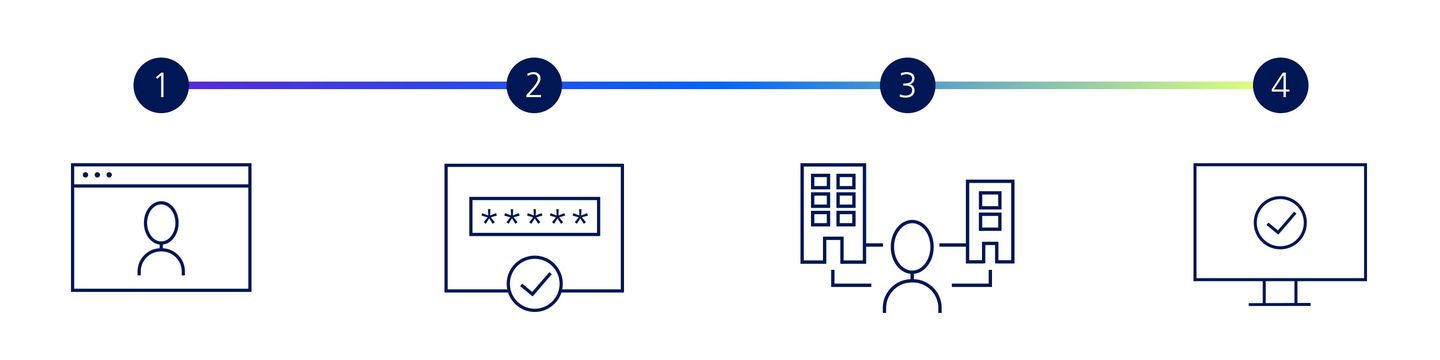
Registration process for new users
Functions
TRUMF account management not only provides a transparent overview of all your data, but also allows you to amend it at any time. You can also request assignment to one or more organisations and view and apply for permissions.
Company administrator
Keep track of TRUMPF users in your organisation and manage their permissions.
Multi Account
Do you need access to multiple organisations? Assign multiple accounts to your user.
OCI
Create an OCI link to connect your ERP system to the TRUMPF E-Shop.