Create welding programs offline on a computer with TruTops Weld // Machine continues producing parts during offline programming // TeachLine detects part position
New offline programming for laser welding cells
Ditzingen, September 11, 2018 – The new TruTops Weld programming software allows users to create welding programs offline on a computer while the laser welding cell is producing parts. They then transfer the program to the machine where the TeachLine sensor system automatically adjusts it to match the actual position of the part. This minimizes the need for teach-in processes.
Twofold benefit for users
TRUMPF's new TruTops Weld programming software has been specifically designed to work with the TruLaser Weld 5000 laser welding cell. Offering an intuitive, user-friendly interface, the software incorporates a broad range of TRUMPF's accumulated technological expertise, including welding parameters and information on processing angles. It also integrates all the TruLaser Weld functions such as the rotary module and the TeachLine sensor system. TruTops Weld is a valuable addition to any facility. It increases machine availability by allowing users to create welding programs on a computer rather than on the laser welding cell. That means the machine can keep producing parts during programming, and it divides up the workload more efficiently between the machine operator and the programmer. TruTops Weld also makes it much faster to create programs. With teach-in programming, machine operators have to individually program every point the robot will travel to during processing. TruTops Weld calculates these points on the robot's path automatically. It also offers a number of other software features that make life easier for machine operators.
A welding program in four steps
The new programming process consists of four steps. The first step focuses on the part: the programmer defines the points to be welded by clicking the corresponding part edges. The welding parameters can then be selected from a comprehensive database. Alternatively, programmers can choose to use parameters they have calculated themselves. Right at this early stage, the software automatically calculates the paths of motion and creates a preliminary program. TruTops Weld then finalizes the program in what is known as "system mode". This mode enables the user to virtually position the part on the positioner inside the laser welding cell. TruTops Weld detects any potential collisions and helps the user to find a position and path of motion that the robot can follow without meeting any obstructions. This simulation is particularly helpful for complex parts. Finally, the programmer transfers the program to the welding cell. The TeachLine sensor system then checks the exact position of the part and compares this information to the simulation. If TeachLine identifies any discrepancies, it automatically adjusts the program accordingly. Users still have the option of carrying out a conventional teach-in process.
Digital photographs in print-ready resolution are available to illustrate this press release. They may only be used for editorial purposes. Use is free of charge when credit is given as "Photo: TRUMPF". Graphic editing – except for dropping out the main motive – is prohibited.
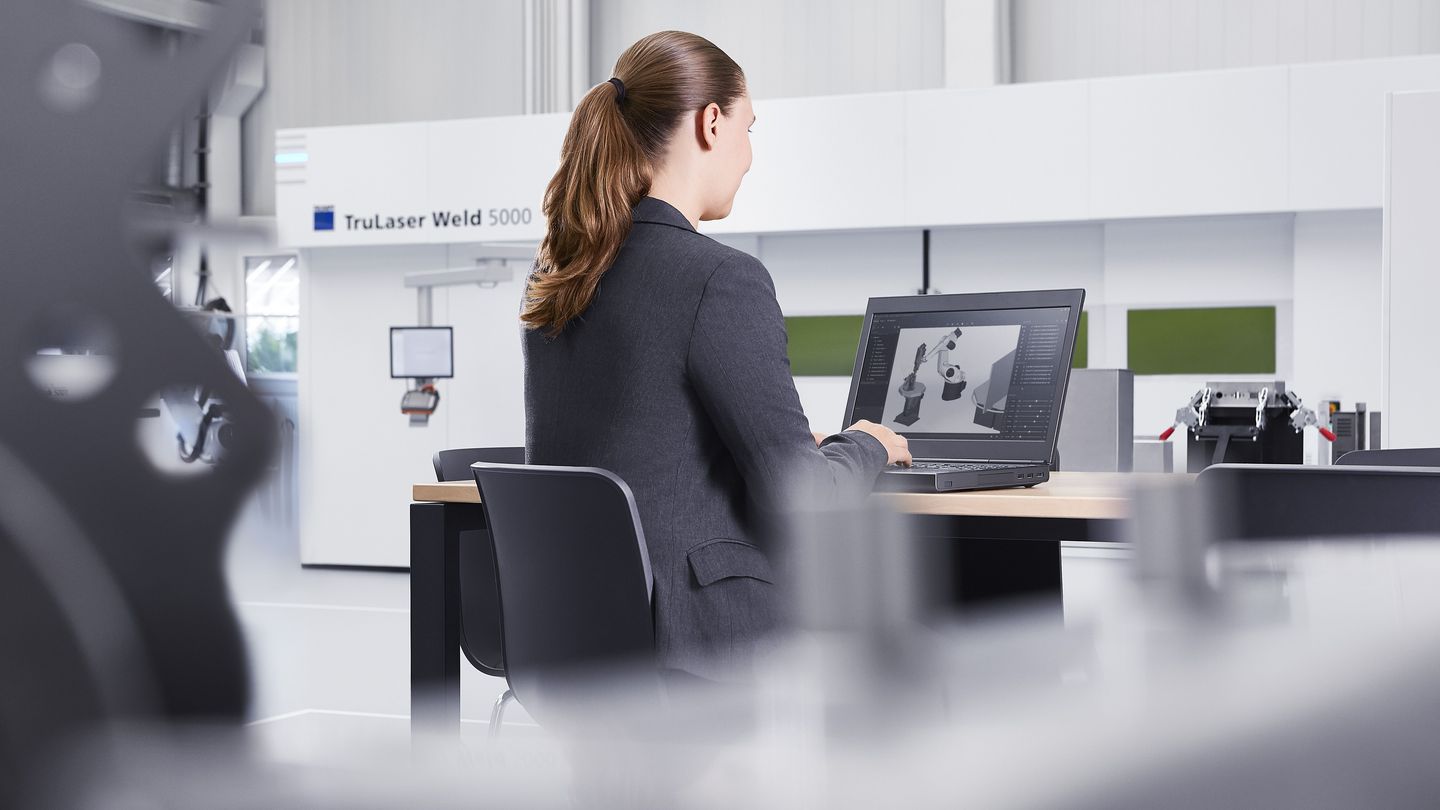
TruTops Weld
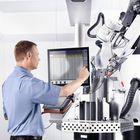
Welding programs are created on a computer while the machine gets on with production work.
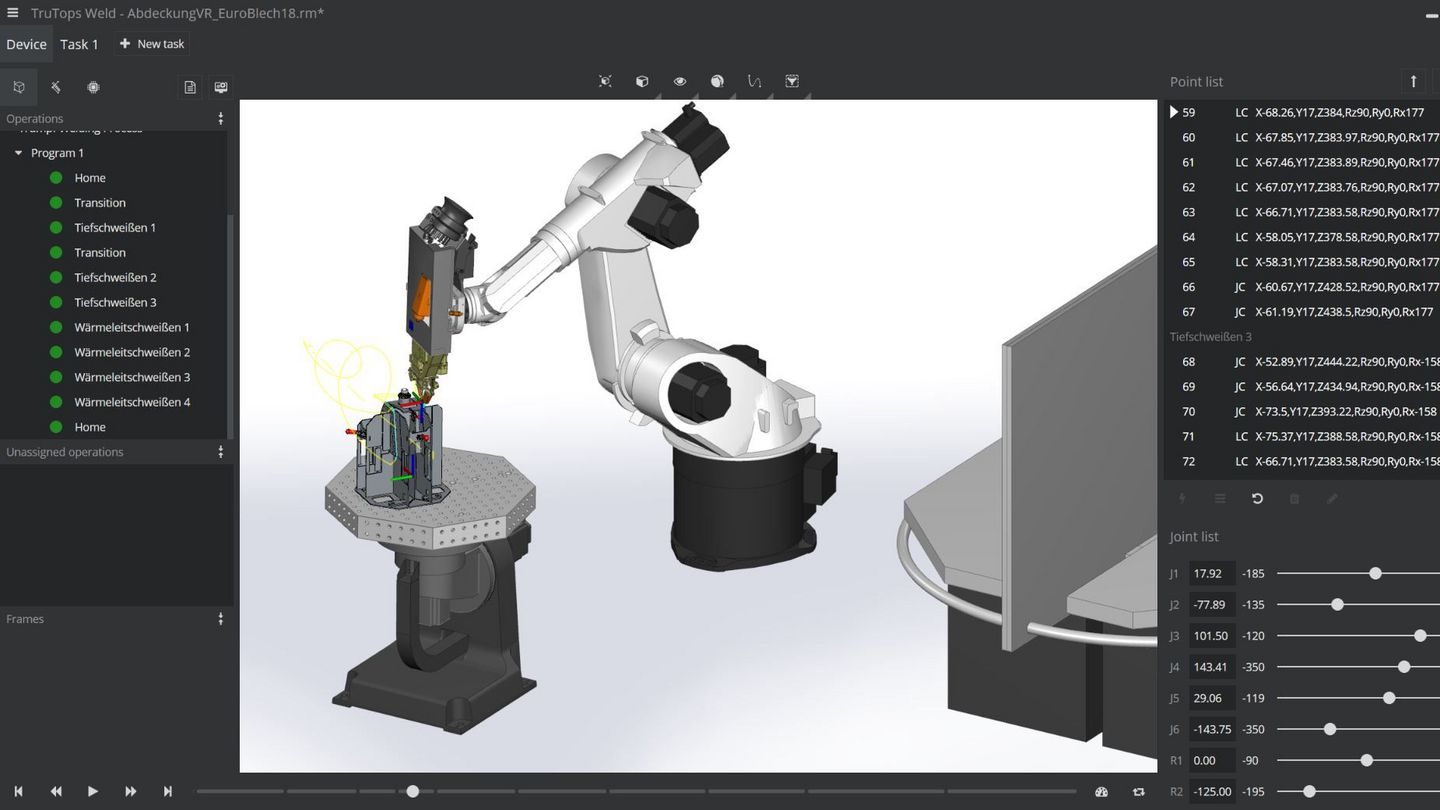
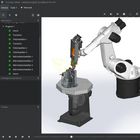
Screenshot TruTops Weld
The new TruTops Weld offline programming software from TRUMPF offers an intuitive, user-friendly interface.
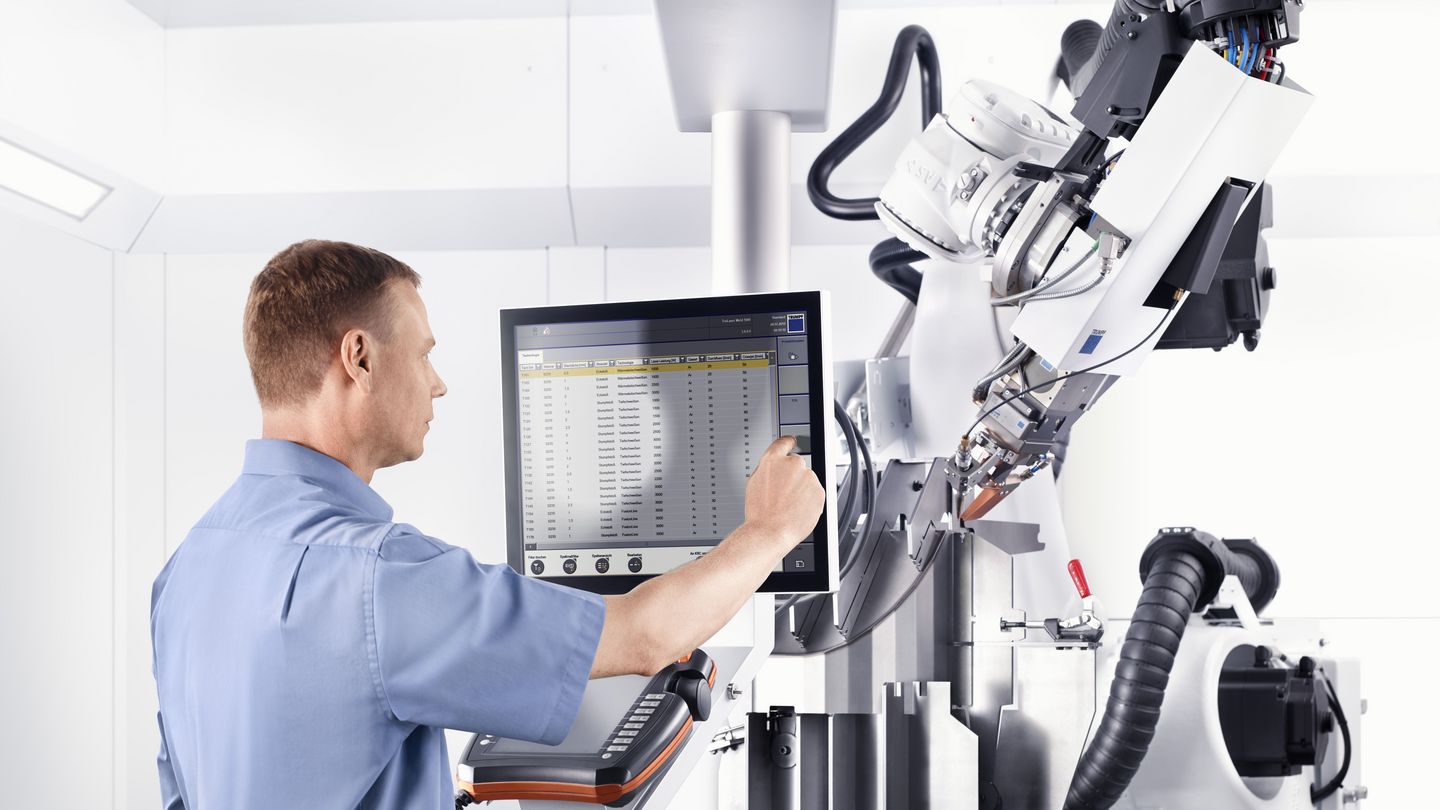
Fast programming
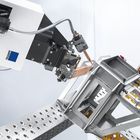
Instead of having to teach the robot each individual point of travel, TruTops Weld calculates the robot's movements automatically.
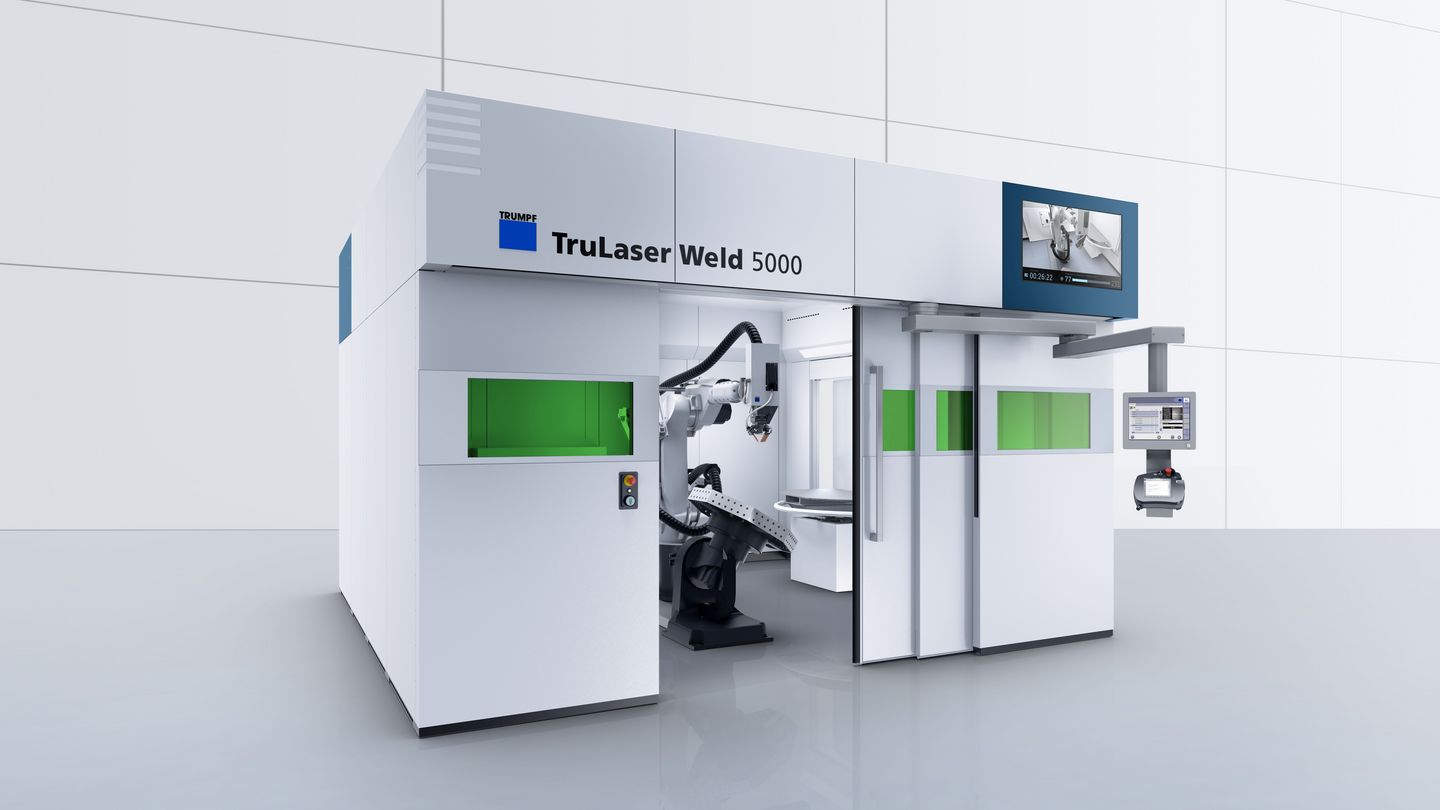
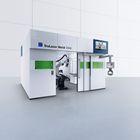
TruLaser Weld 5000
TruTops Weld has been optimized for programming the TruLaser Weld 5000. The software offers all the functions that are relevant to this machine without including any unnecessary features.
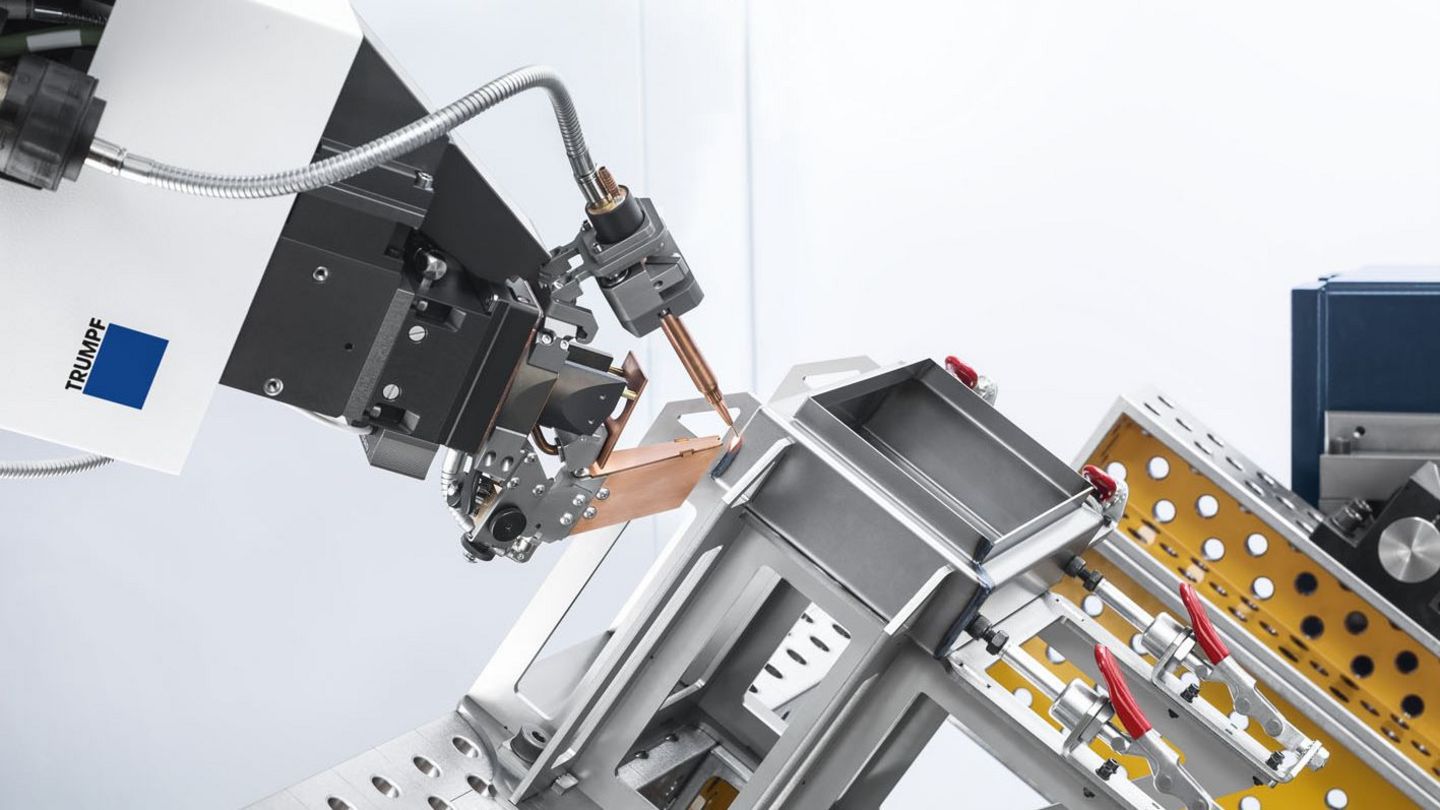
TRUMPF’s technological expertise
TruTops Weld comes with a wealth of TRUMPF's technological expertise in the form of welding parameters and processing angles for use with FusionLine, heat conduction welding, and deep penetration welding.

連絡人