Country/region and language selection

TruTops Boost innovations

Find out here what innovations the current release of TruTops Boost has to offer.

Version 22*

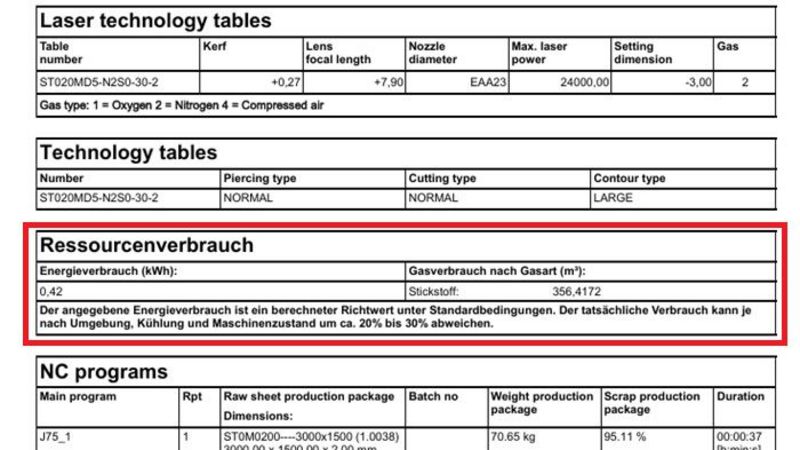
HomeZone: energy and gas consumption

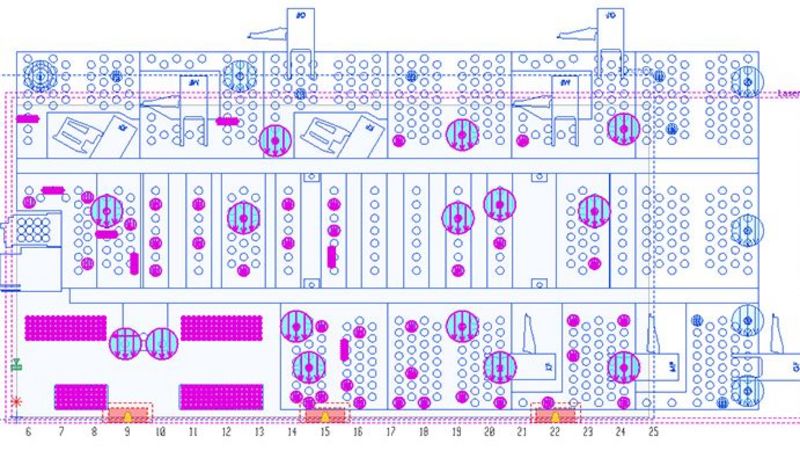
The setup plan now displays energy and gas consumption for multiple laser and laser-punch machines per part, sheet, and job.

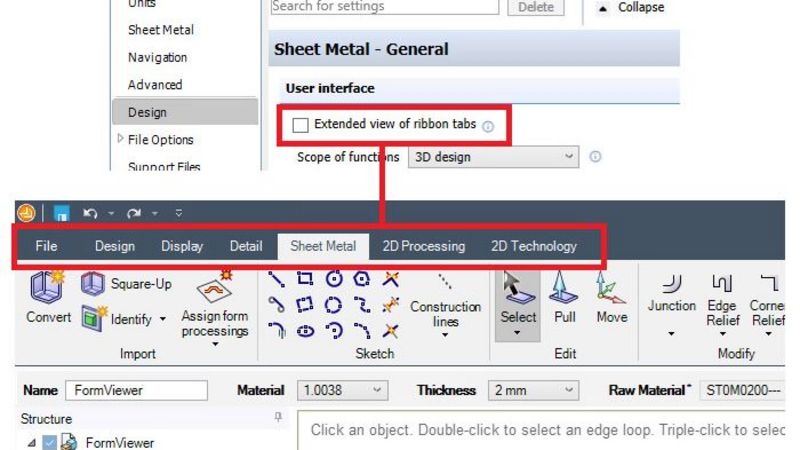
Design: Optimized user interface

A more streamlined user interface is achieved by reducing the number of ribbons and icons in the toolbar in TecZone Design.

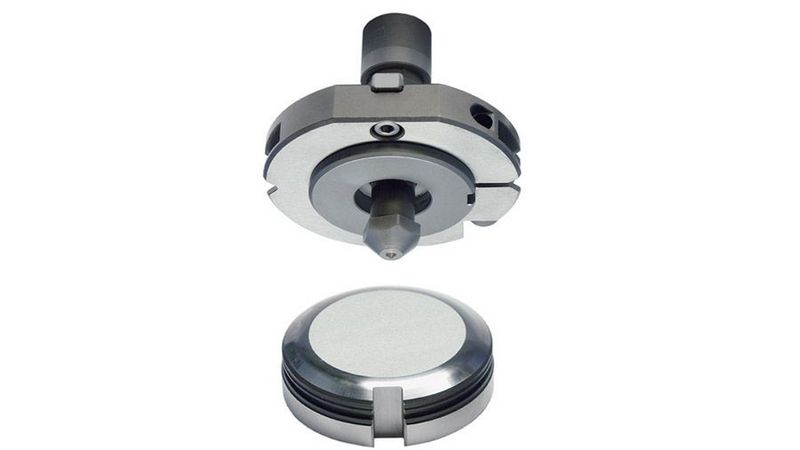
Cutting edge: improved automatic part marking

The marking tool from below and the engraving tool have been integrated into the automated processing system of TecZone Cut.

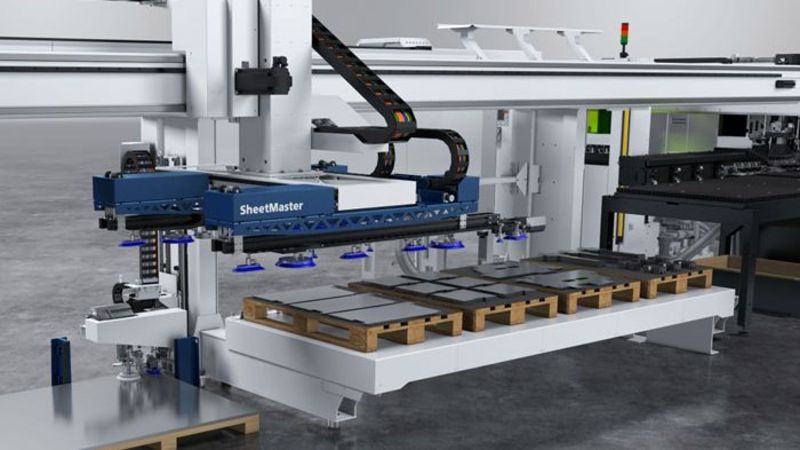
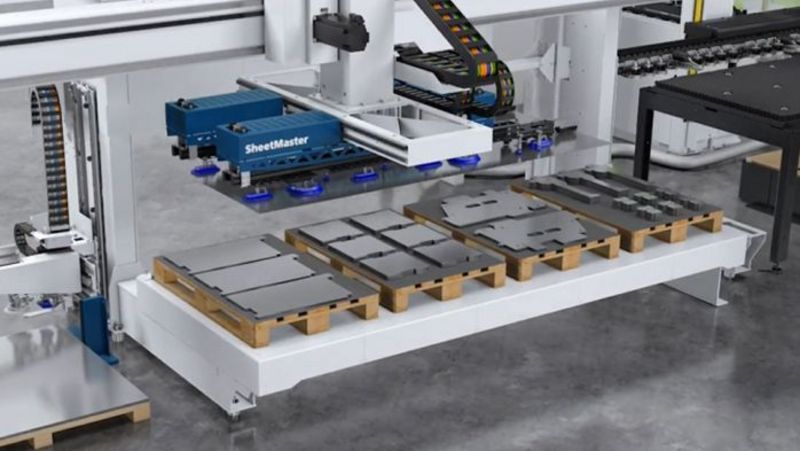
Cutting edge: New function for the TruMatic 5000 SheetMaster

The following functions have been added: Part removal from clamps, removal of remaining strips, and palletizing onto unloading carts that move along the y-axis.

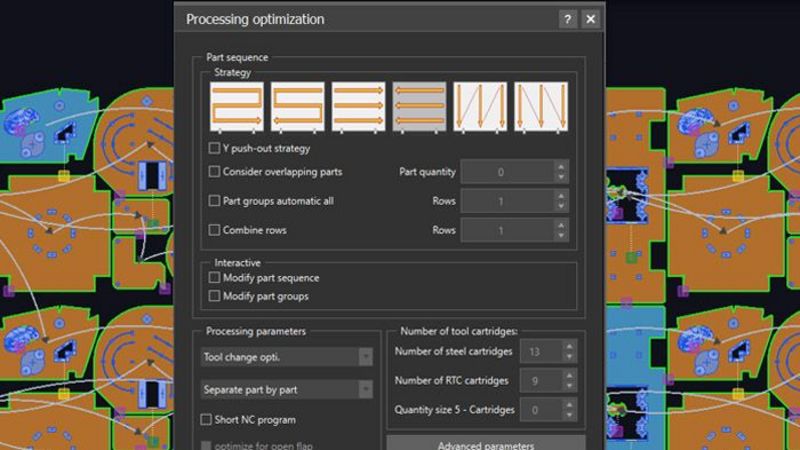
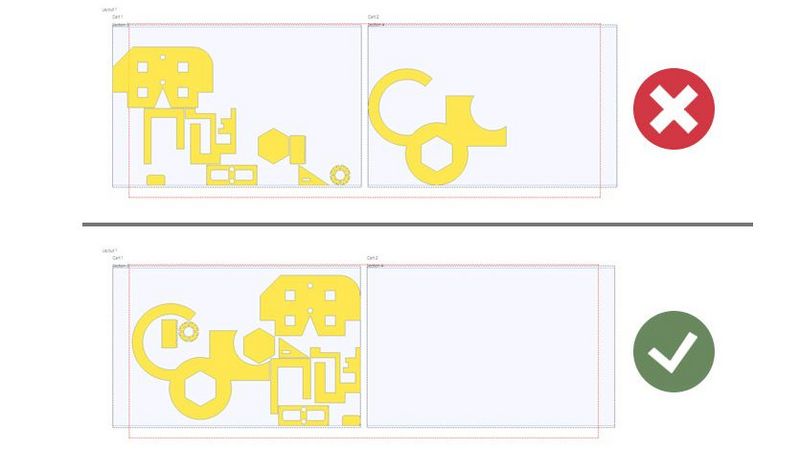
Cutting: Optimization using multiple layers and part groups

The special configuration for optimization using multiple layers and part groups is integrated into the optimization during a new installation.

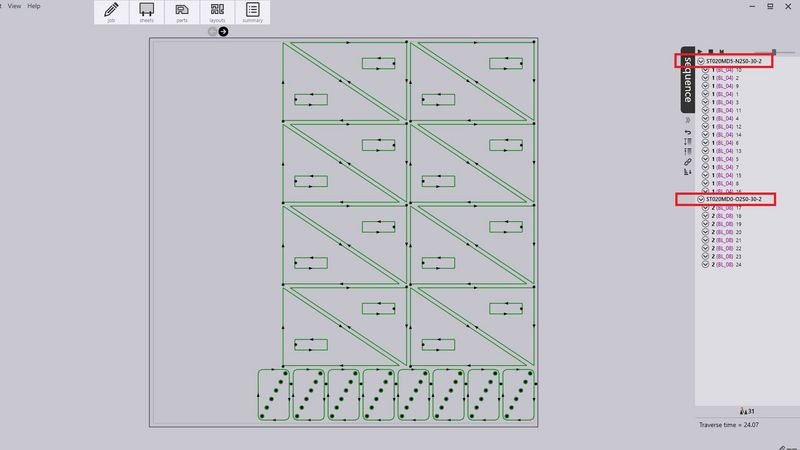
TecZone Laser: Multiple LTTs on a single sheet

Various LTTs can now be used on a sheet in TecZone Laser. For example, for bevel cuts with oxygen and straight cuts with nitrogen – it saves time.

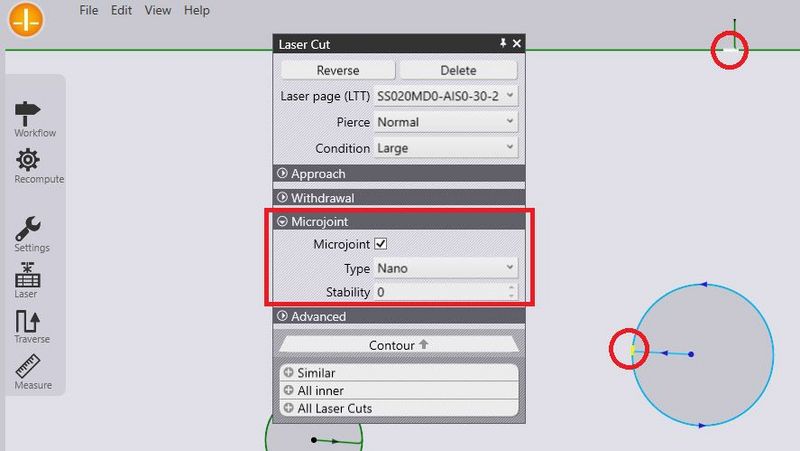
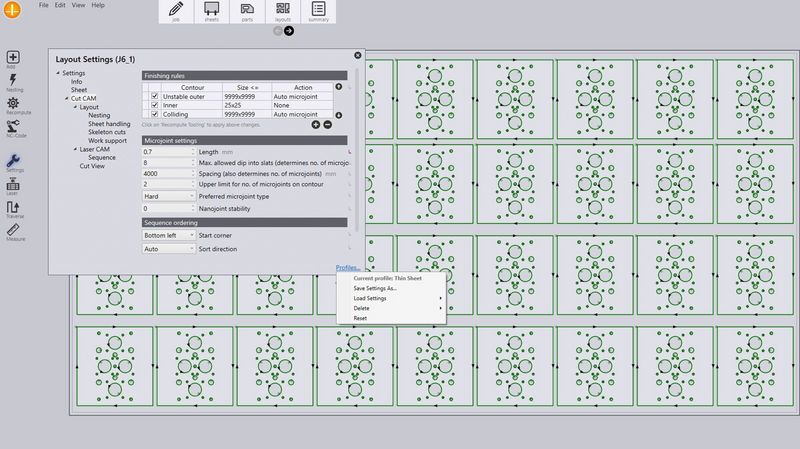
TecZone Laser: Microjoints and nanojoints on a single part

Both nano- and microjoints  can be applied to a part using TecZone Laser. For example, secure inner contours with microjoints and outer contours with nanojoints.

TecZone Laser: Other machines

New: Additional machines from the TruLaser Series 3000 and 5000 (L49, L50, L56, L57, L68, L69, L116) are now supported in the new TecZone Laser 

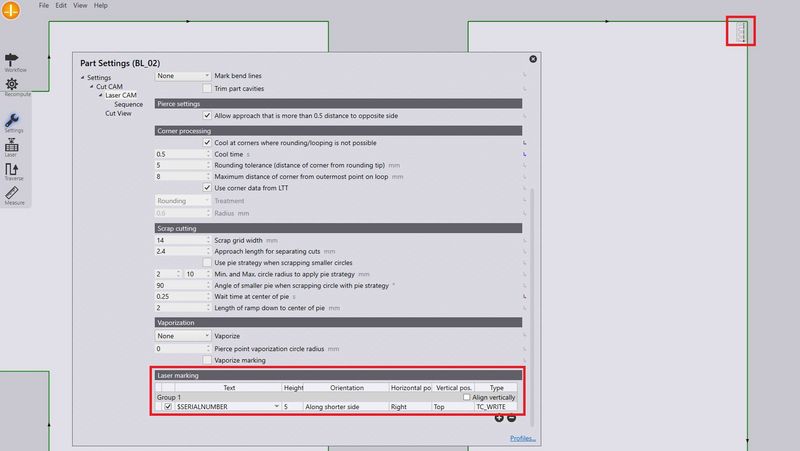
TecZone Laser: Consecutive serial number

Consecutive serial numbers can be marked on parts in TecZone Laser.

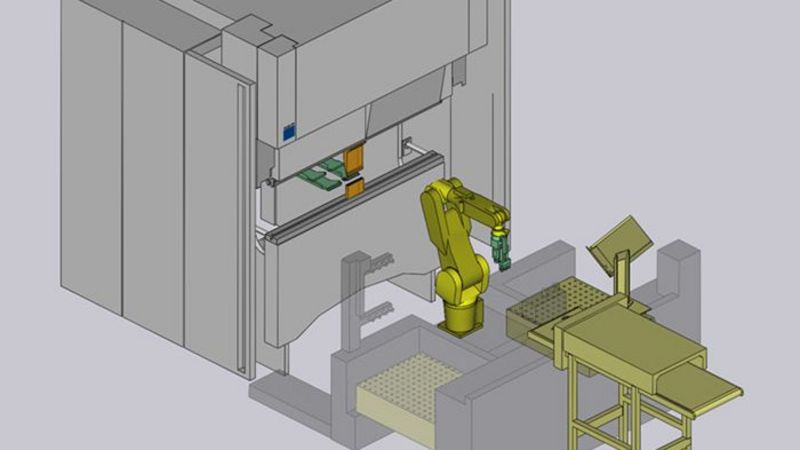
Bending: FlexCell bending automation

TecZone Bend now supports FlexCell bending automation for TruBend 7050

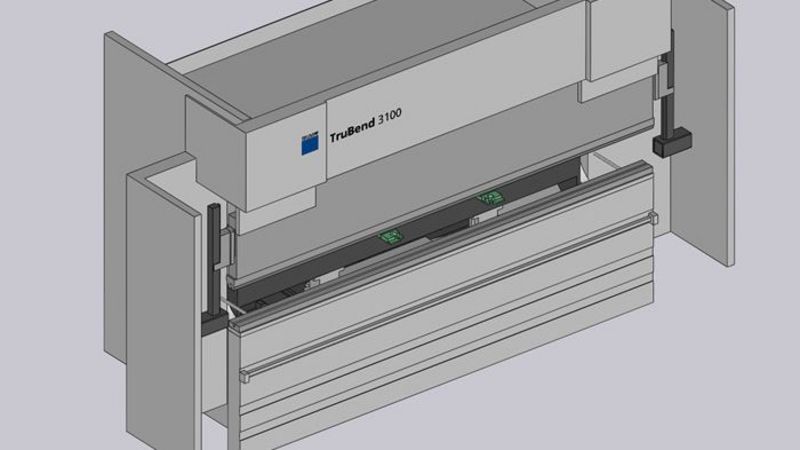
Bending: Another machine from the TruBend 3000 series

TecZone Bend now supports the TruBend 3100 (B38) in 4 and 5 axes, so that programs can be reliably created for both variants.

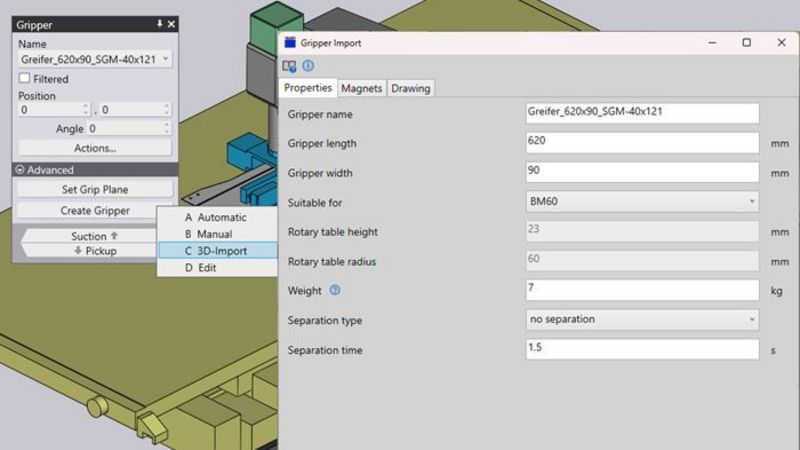
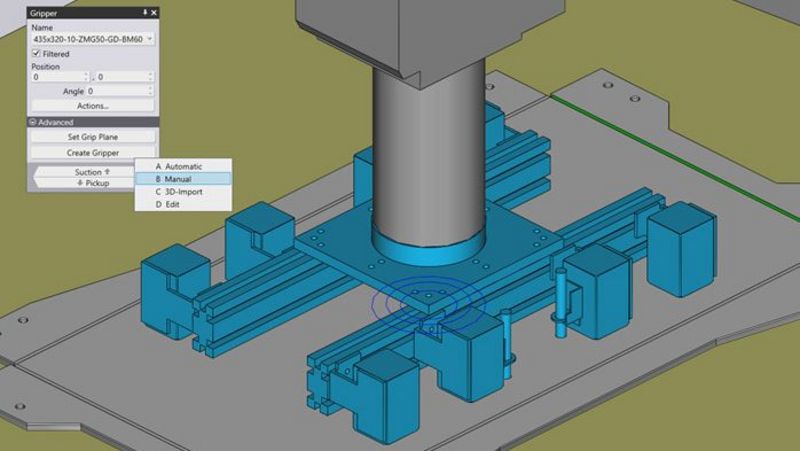
Bending: Importing 3D models into the gripper

Custom 3D models can now be imported and used as magnetic or suction cup grippers.

Bending: Gripper designer - supporting magnets

Support for the TRUMPF Magnetic Assembly Kit for TruBend Cell 5000

Version 21

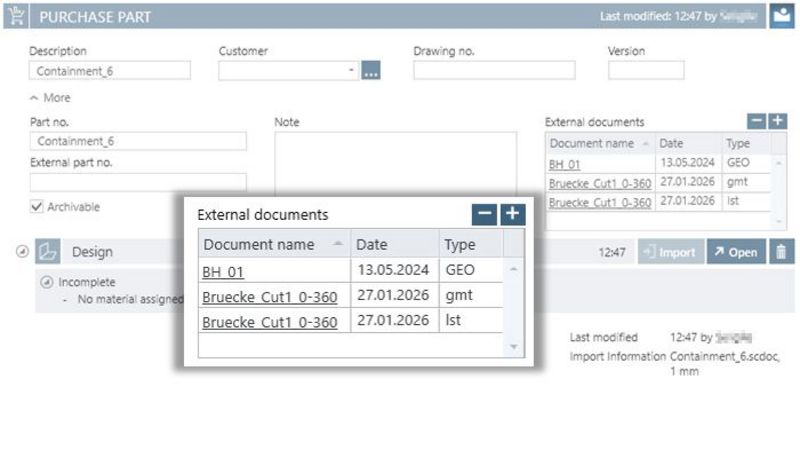
HomeZone: Attach external documents for purchase parts

You can now attach external documents to purchase parts.

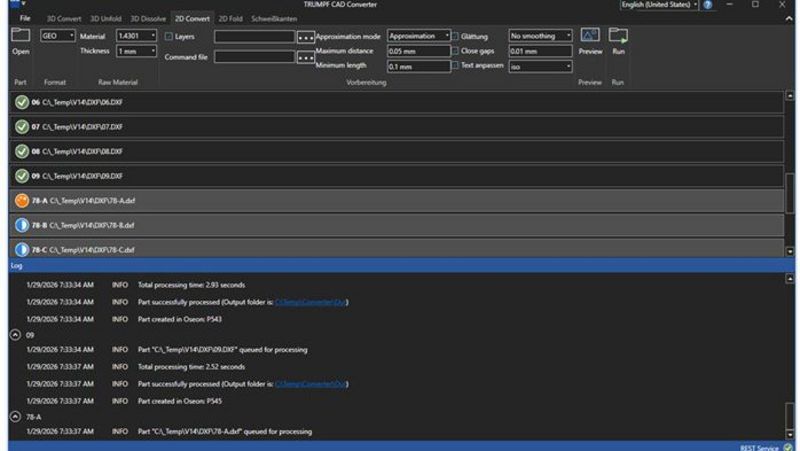
Design: Converter Tool

Extended functionality in the converter tool for fast conversion of 2D and 3D geometries.

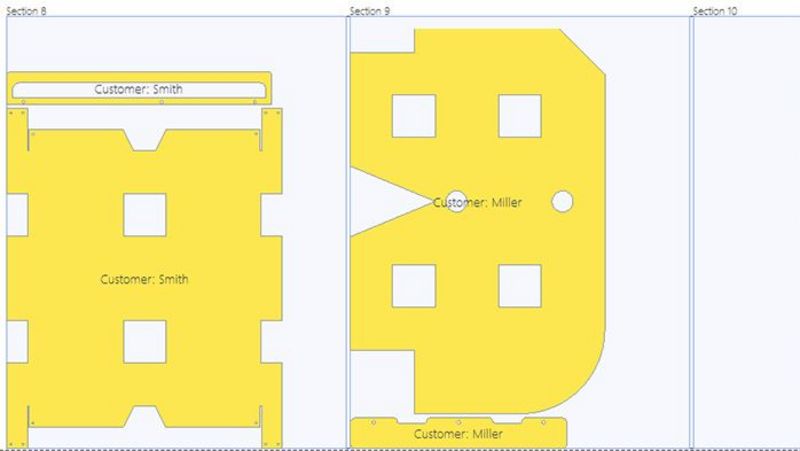
Cutting: Automatic palletization according to the subsequent workstation or customer

During palletization, sorting can be carried out automatically as per the subsequent workstation or customer, if these have been defined in the order.

Cutting: Improved programming for SheetMaster AK09

The programming for the SheetMaster (AK09) has been enhanced for better removal and palletization results.

Cutting: New settings for loading preparation with lift

The time for preparing for loading can be configured in the machine rules for TruMatic  and TruPunch machines.

TecZone Laser: Job templates and sheet program profiles

Job templates and panel program profiles can now be created and used for the TecZone Laser.

TecZone Laser: Improvements for bevel cutting

Chamfers can be attributed to geometries and the processing sequence is generated automatically.

TecZone Laser: Other machines

Further machines from the TruLaser Series 1000 / 3000 / 5000 (L111, L88, L94, L81, L95, L76) are supported in the new TecZone Laser.

Bending: Another machine from the TruBend Series 3000

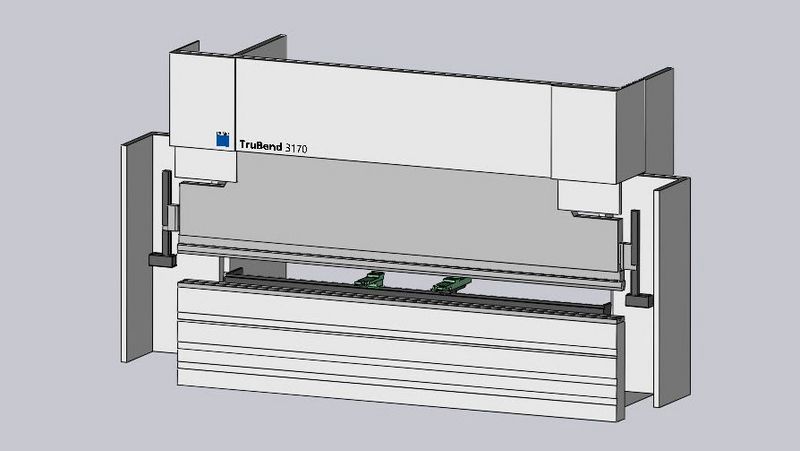
TecZone Bend now supports the TruBend 3170 (B38) in 4 and 5 axes, so that programs can be reliably created for both variants.

Screenshot aus TruTops Boost
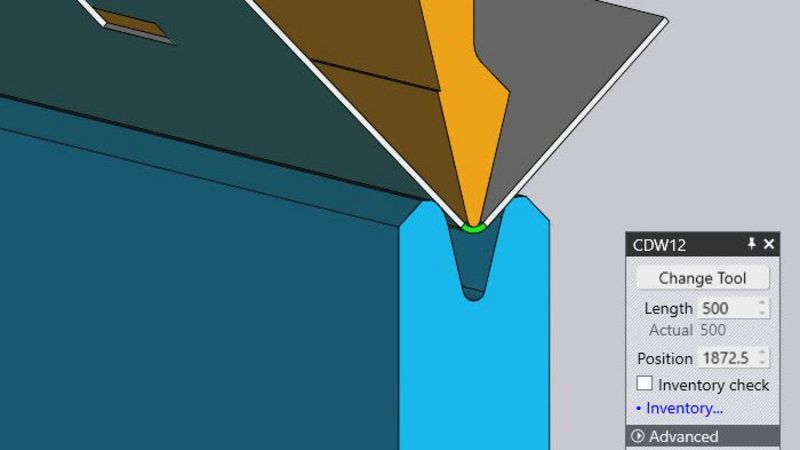
Bending: Simulation and validation with CDW tools

The bending simulation has been expanded and now supports all CDW tools with FEM models and improved tool testing.

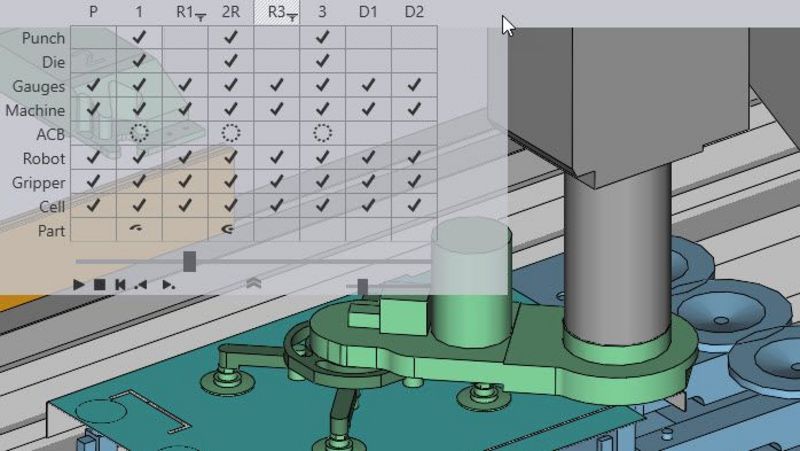
Bending: TruBend Cell 5000 regripping twice per bending step

The function allows double regripping between bending operations so that workpieces can be positioned flexibly and reliably.

Version 20

HomeZone: notes on permitted angular positions

The HomeZone displays additional warnings regarding the permitted angular positions depending on the subsequent workstation.

HomeZone: reload bending programs from the machine to Boost

The reloaded program is marked in the HomeZone.
Requirement: only in combination with Oseon

Design: purchased part and duplicate detection within assemblies

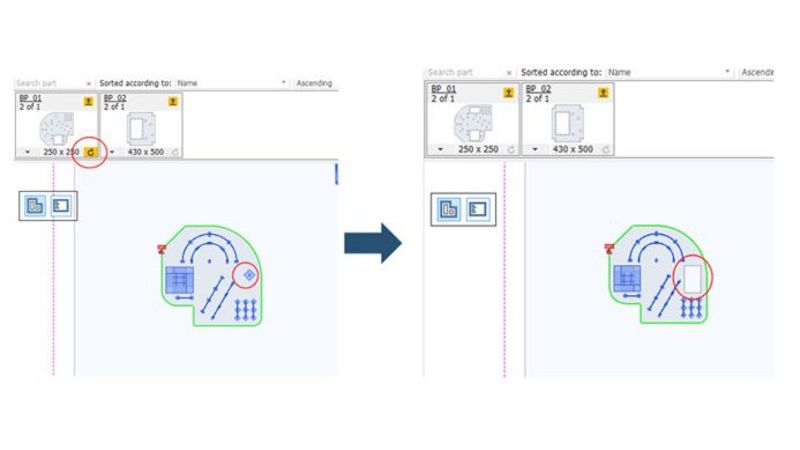
Purchased parts and duplicates within an assembly can now be detected more accurately and grouped together.

Design: conical bends

The unwinding of conical bends has been improved.

Cutting: new zoom function in the task list

In the TecZone Cut, there is a new slider in the task list with which you can set the zoom factor for jumping to the board.

Cutting: new slider in the simulation of the sheet program

In the TecZone Cut, a new slider can be used to quickly jump back and forth in the simulation.

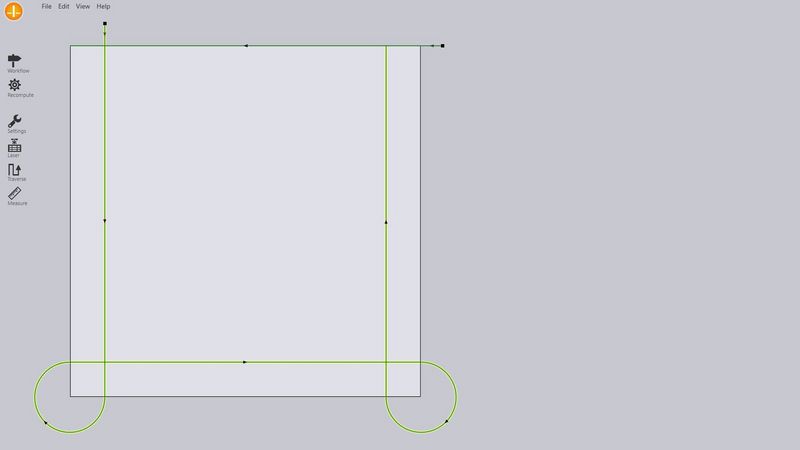
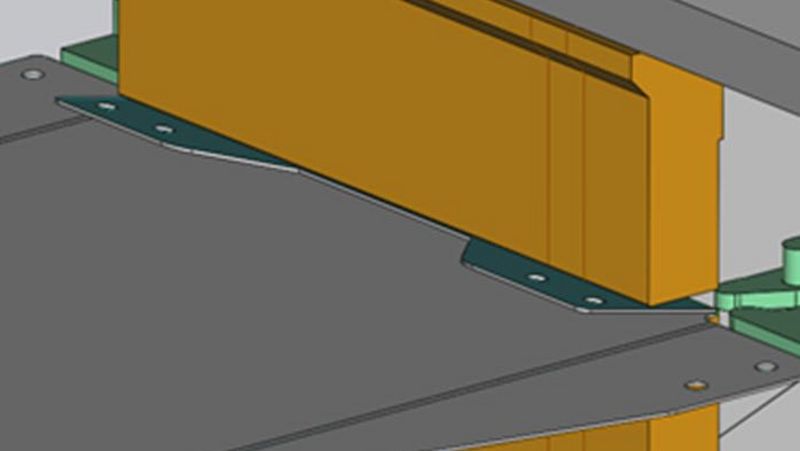
Cutting: automatic generation of nanojoints

Nanojoints can now be set automatically for laser machines in TecZone Cut to prevent parts from tilting.

Cutting: automatic part marking

In TecZone Cut, part markings can now also be generated automatically with marking units for punching and punch laser machines. 

Cutting: palletizing: show obstruction of the TruBend Center automatic loading system

When palletizing in the TecZone Cut, the obstruction of the TruBend Center's automatic loading system can be displayed for the subsequent workstation.

TecZone Laser: easy start, simple operation

With the new laser programming for the TruLaser Series 3000 Bevel Cut Edition and L94, L99, L111 – enquire at TRUMPF.

Bending: further machines of the TruBend 8000 series (B36)

The TruBend 8400/TruBend 8600 (B36) is now supported in different versions.

Bending: support for flat bending tools

Flat bending tools are now included in the TRUMPF tool catalog and are available for various bends.

Bending: support of CDW (consistent die width) tools

CDW tools are now included in the TRUMPF tool catalog and are available for a wide range of bending applications.

Version 19

HomeZone: Standard bending programs for bending parts only

Standard bending programs are only created for bending parts.

HomeZone: Create service cases easily

Service cases can now be created directly using HomeZone via the MyTRUMPF platform.

HomeZone: Preferred single part cutting solution updated

The behavior of the preferred single part cutting solutions has been optimized.

Design: Laser-welded recesses

The notching optimization now also supports laser-welded recesses.

Design: Advanced detection of slot contours

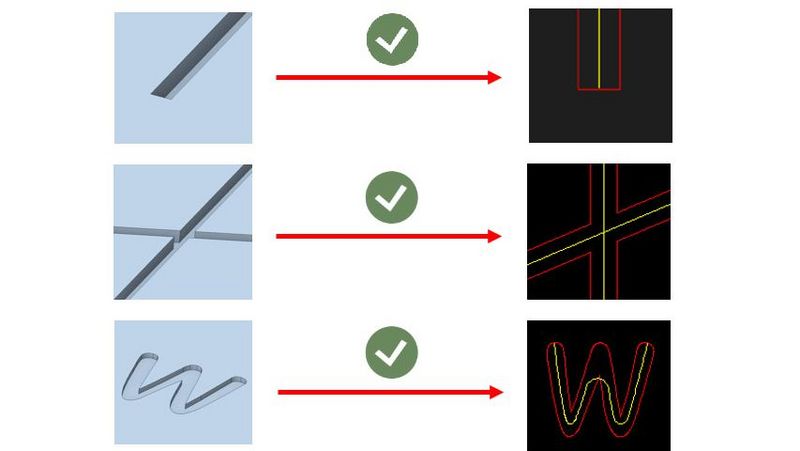
Drops in a part and arbitrarily shaped narrow contours are now supported by automatic slot detection.

Cutting: Tighter stack formation during palletization

With the automatic palletization suggestion in the TecZone Cut, stacks are placed closer together.

Cutting: Preserving machining operations when changing geometries

After changing the geometry of a part, the TecZone Cut retains laser and punching operations on unchanged contours.

Cutting: Automatic part marking in TecZone Cut

The marking defined on the part with text or dot matrix code can now be set automatically on all machines.

Cutting: Improved performance during nesting

In TecZone Cut, performance has been improved, particularly for jobs with a very high number of parts.

Bending: More machines from the TruBend 8000 (B36) series

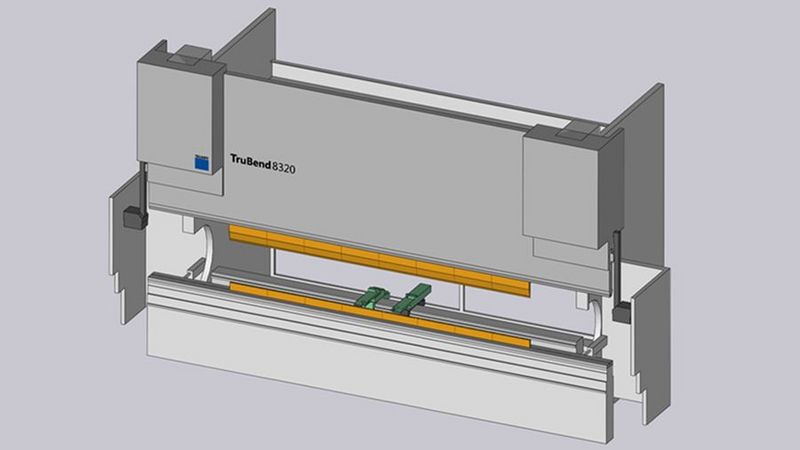
The TruBend 8230 (B36), TruBend 8320 (B36) and TruBend 8600 (B36) are now supported in different versions.

Bending: Programming formed sections

Program formed sections with deep-drawing tools on the bending machine. Assign the formed section to the bending process in TecZone Design.

Bending: New "ACB Speed" option

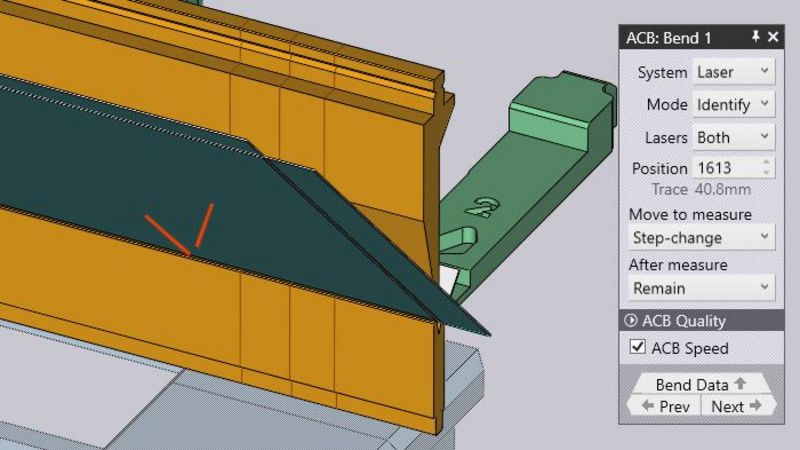
Save time in production with “ACB Speed” for TruBend 5000 (B23) and TruBend 7000 (B28). If the option is activated, the ACB system only measures the first part. 

Bending: FZ31 offline programming

Program manual axis positioning for TruBend Center and benefit from the simulation and collision check in TecZone Bend.

*Find out from your contact person at TRUMPF when the respective TruTops Boost main version is available in your country and how you can obtain it.

Contact
Digital Services Sales
Email