TruSmart Quote
Calculate prices more quickly. Provide a credible quote.
Reliable quote calculations with just a few clicks
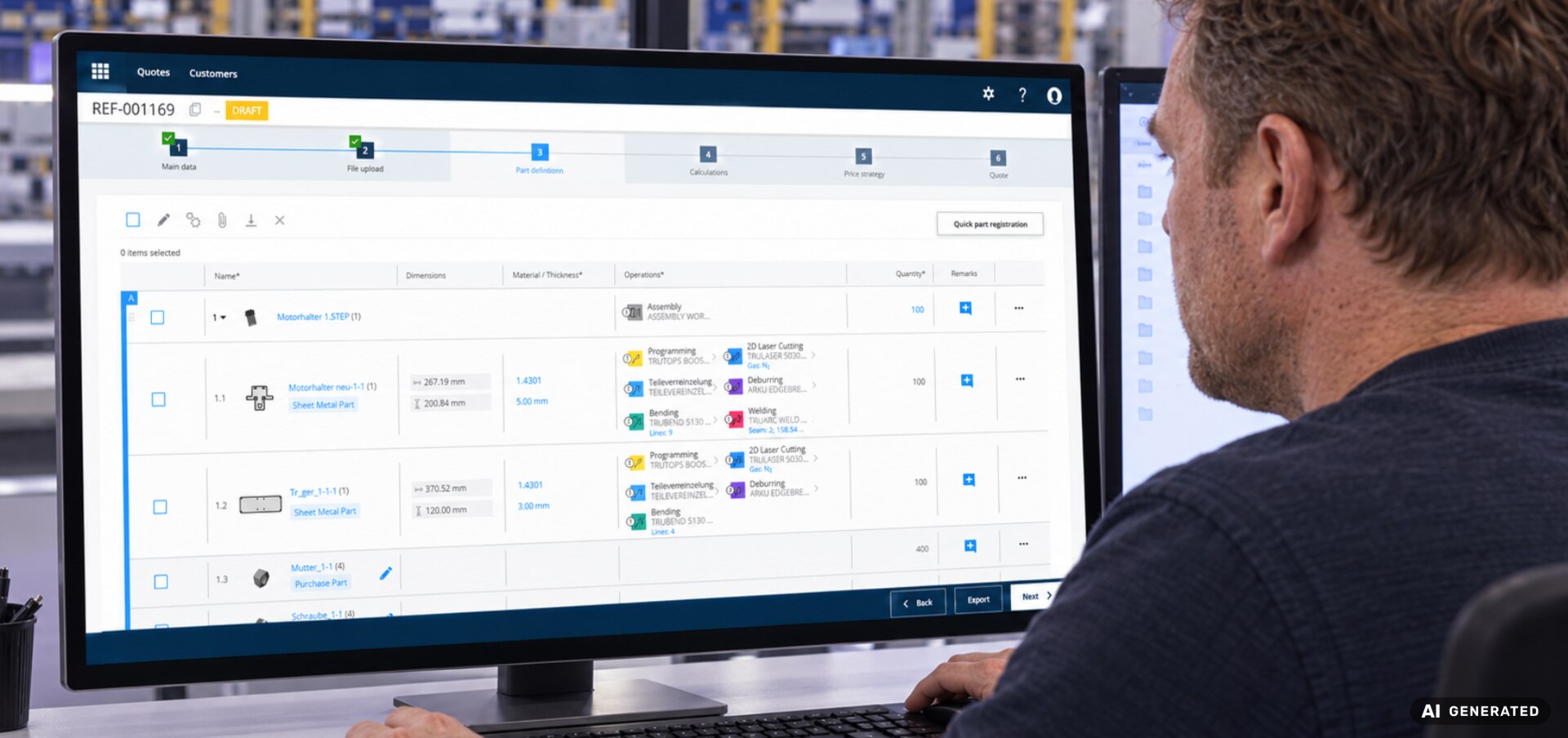
TruSmart Quote is a cloud-based quoting platform for all types of sheet metal parts. Upload part geometry, have features automatically detected, and calculate material and manufacturing costs in a matter of seconds . The TruSmart Quote cloud software has an impressively intuitive user interface, regular updates and a flexible licensing model, making it ideal for small and medium-sized businesses that want to scale without significant IT overheads.
Shorter turnaround times and accurate cost estimates increase the conversion rate and price certainty.
Geometry, work plans and machine parameters provide reliable time and cost data.
Fewer manual interventions significantly reduce errors, rework and internal admin.
Cloud-based subscription licence with an intuitive interface, secure operation and regular updates. All of this is available through the MyTRUMPF customer portal.
The quickest way to get a quote
Request a quote now and get started right away in MyTRUMPF once your account is activated.
Create a quote in four simple steps
Step 1: Upload a file
Upload 2D and 3D geometries or even entire assemblies in standard file formats (STEP, DXF, DWG, etc.). TruSmart Quote analyses the components and identifies relevant features such as cutouts, bends and weld seams. Select the material and lot size based on your specific needs.
Step 2: Specify the processing
The work plan is automatically selected and adapted to the respective component. Save TRUMPF machine profiles or your own custom machine values, and flexibly customise machine and production profiles. This allows you to accurately map your company-specific processes and achieve realistic, reliable processing times.
Step 3: Perform the calculation
Start the geometry-based calculation. TruSmart Quote calculates material requirements, machine runtime, setup times and additional costs in a matter of seconds – optimised for your TRUMPF 2D laser machines and your hourly rates.
Step 4: Review and export the quote
Review the transparent quote, adjust any surcharges or discounts, and export the result as a PDF. The order can be initiated immediately.